Case study · Personal AI agents · November 2026
How I built my AI job-search agent
Three Claude agents, one shared Sheet and a daily schedule that find, tailor and help me apply to Product Manager roles, while the decisions and the Submit button stay with me.
The problem
Every application meant three jobs, all done by hand. Each one was repetitive, but each also needed judgment.
🔎 Finding
Scanning LinkedIn for roles that fit my level, location, pay and eligibility.
🛠️ Tailoring
Rewriting my resume and a cover letter for every job description.
📨 Applying
Typing the same answers into a different careers site each time.
The goal: let Claude handle the repetitive parts every day, and keep the decisions with me.
How it fits together
Three agents, each built as a Claude skill, hand work to each other through one shared tracker. They never talk to each other directly.
Apify LinkedIn job search
Master resume (Google Doc)
Saved answers + my Chrome sign-ins
1 · Job Finder
Searches LinkedIn daily, applies my filters, ranks matches and adds them as New.
2 · Tailor
Writes a one-page resume and cover letter per job in Drive, then emails me.
3 · Applier
Opens approved jobs in Chrome and fills the form. Stops before Submit.
↕
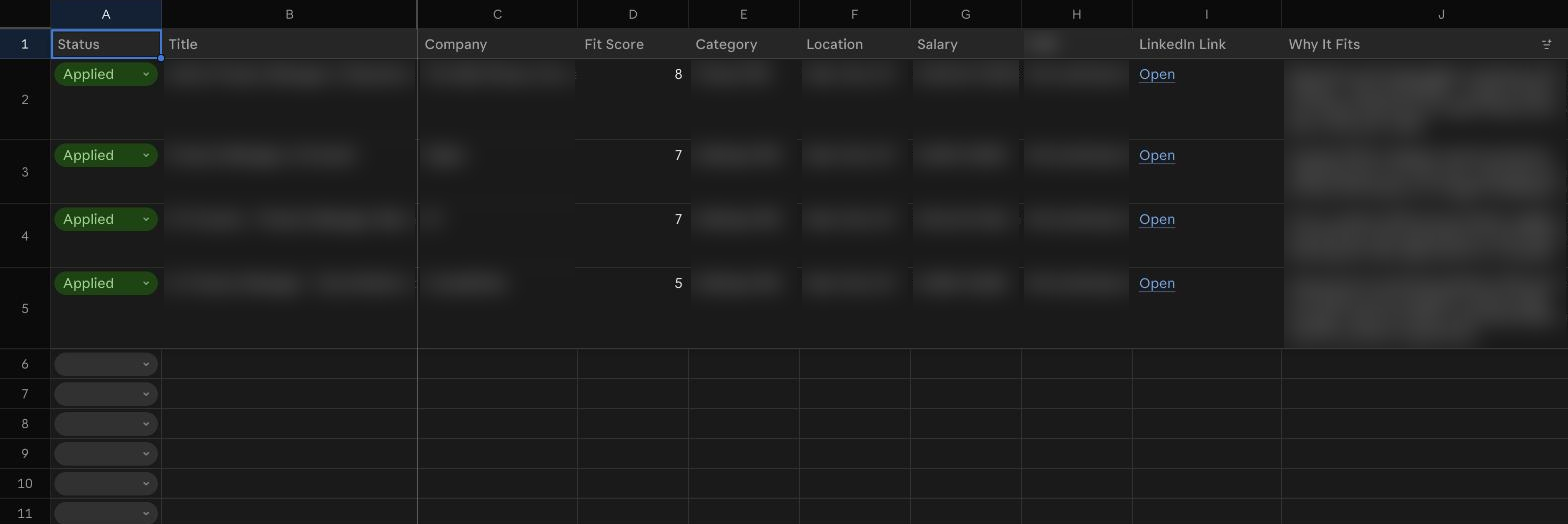
Job Pipeline Sheet
One row per job with its status, links and notes. Every agent reads and writes here, and this is where I approve jobs.
Every job moves through five statuses
The Sheet is the hand-off point: every step is visible, and I can step in at any status.
What each agent does
1 · Job Finder: finds fresh roles that fit, then ranks them
It filters on role and seniority, years of experience, location, a salary floor, eligibility and freshness (posted in the last 24 hours). Matches are ranked by how close they are to my strongest experience, then by a 1–10 fit score, with posted salaries first. The rules are written in plain language, so they're easy to change as my search evolves.
2 · Tailor: rewrites the framing, never the facts
Changes for each job
- The headline under my name
- The summary paragraph
- Bullet wording, using the job's own keywords
- A new cover letter in my voice
Never changes
- Numbers, dates and job titles
- Employers and education
- Layout and the one-page length
- Skills or experience I don't have
3 · Applier: fills the form, then hands me the Submit button
It fills in contact details, work-authorization and self-identification questions, a short "Why this company" answer, and work history on Workday forms. It stops at every Submit button, account sign-up, CAPTCHA and consent box, and logs anything it couldn't answer so I know exactly what to finish.
The daily run
At 5 PM the Finder and Tailor run on a schedule and send me a summary email with links. When I'm ready, I review the documents, approve the best matches, run the Applier, then attach the PDF and submit.
First test run
How I built it
Over one weekend, in seven steps: plan the pipeline, set up the tracker, build each of the three agents, test end to end, and schedule it. Most of the build was conversation: I described what I wanted, reviewed each skill, and corrected filters and formats as the test run surfaced issues.
What it still can't do
- It needs my laptop awake, because the search runs through my Mac.
- It never creates accounts or types passwords, so logins stay mine.
- It can't attach files, so I add the resume PDF myself.
- It won't claim skills my master resume doesn't show.
The automation handles search and paperwork. The choices about where to apply, and the final Submit, stay with me.